No forms.No dropdowns.Just write it.
You know your plan. You should not have to pick it from lists, one field at a time. Write it as a note — in different languages, typos too — and Gymfolio turns it into a workout.
01Write
Write oneexerciseper line.
No forms, no dropdowns: just plain text, as you write it in your notes. The app finds each part and makes the line a step.
- Exercise
- Sets × reps
- Weight
- Rest
- Time
04Adjust
The planfollows you.
Did more weight today? Tap the big number. Weight, reps and time change with + and −, set by set, and the rest of the workout follows.
05Away
Leave the app.The workoutgoes on.
Lock the phone or switch to your music. Your workout stays in the Dynamic Island and on the Lock Screen, with the time, the next exercise and its weight.
06Done
Every workoutis saved.
At the end you see what you did and any new record. Each workout goes into your history, so you can follow your progress.
07Grow
Watch eachexercisegrow.
Every set is saved. Your weeks fill up in History, and each exercise's chart shows your best weight week by week, marking every new record.
08Learn
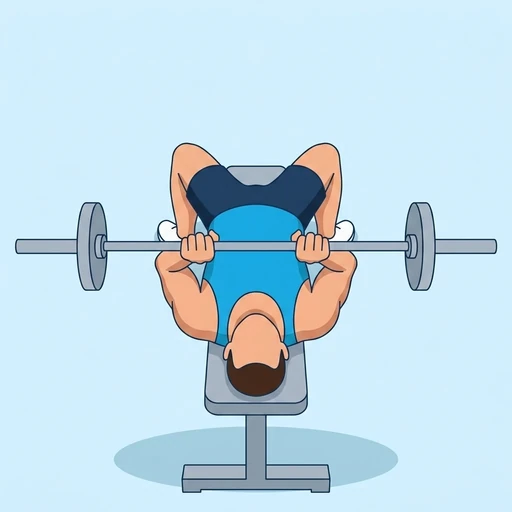
250+ exercises,explained.
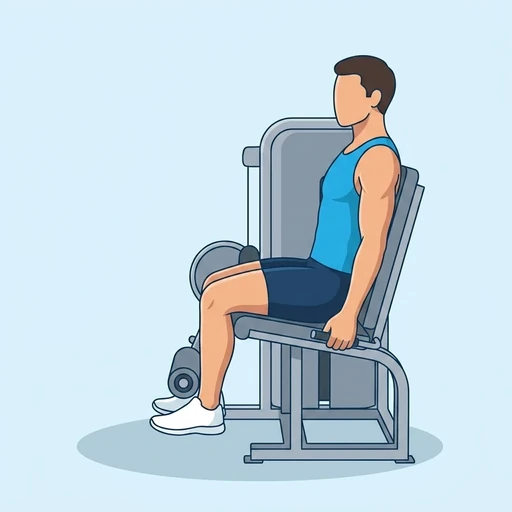
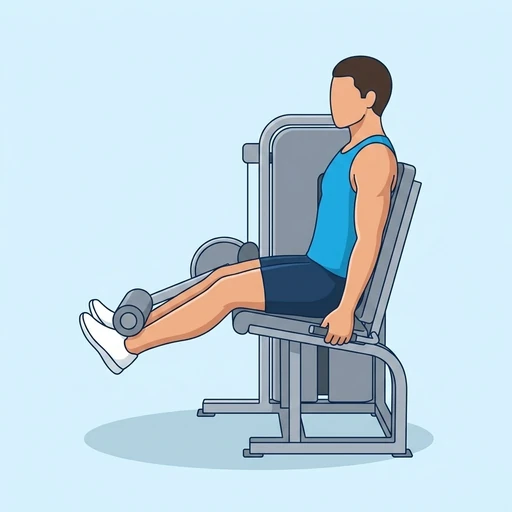
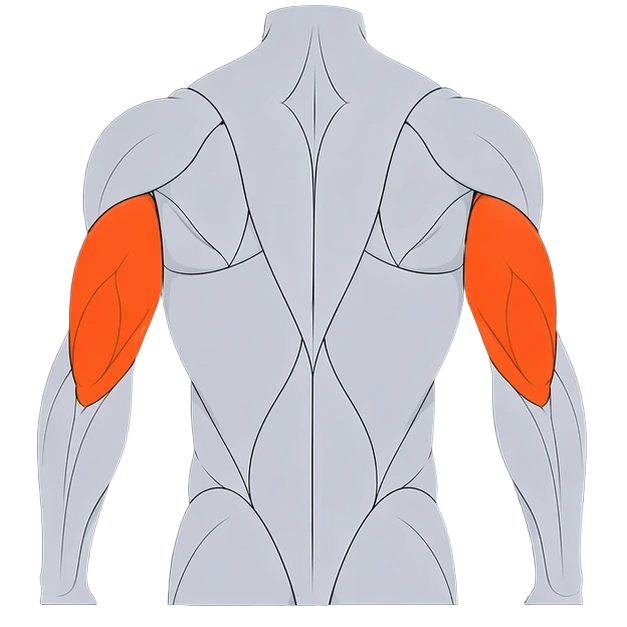
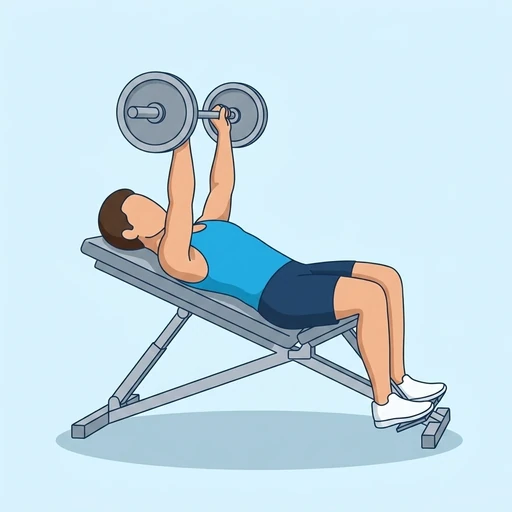
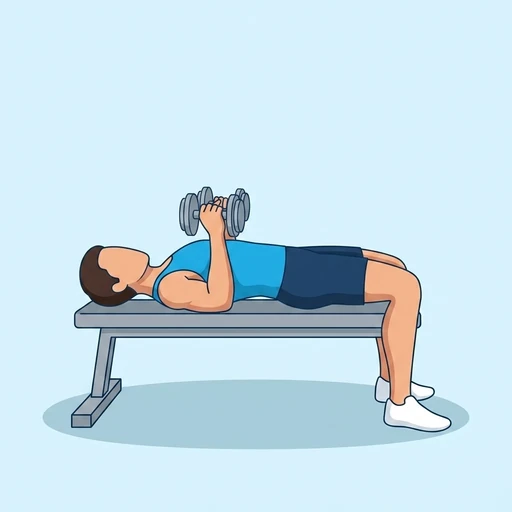
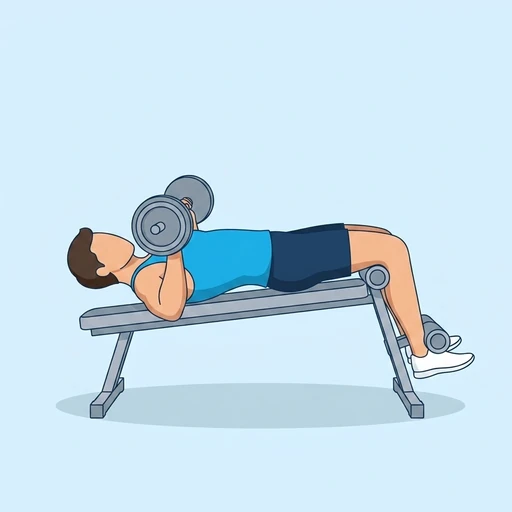
199 come with pictures of the movement, the steps, the muscles they work and the equipment. Every one shows its calories.
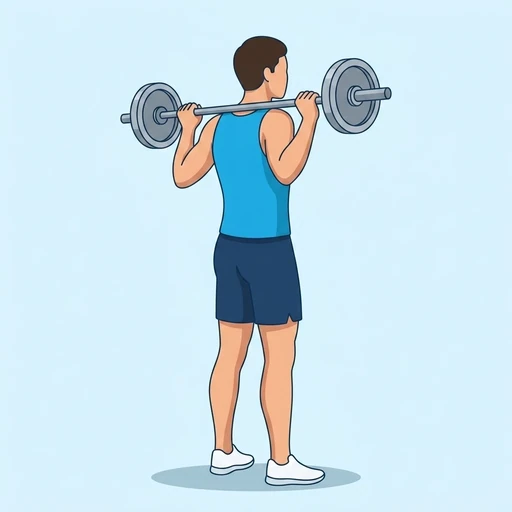
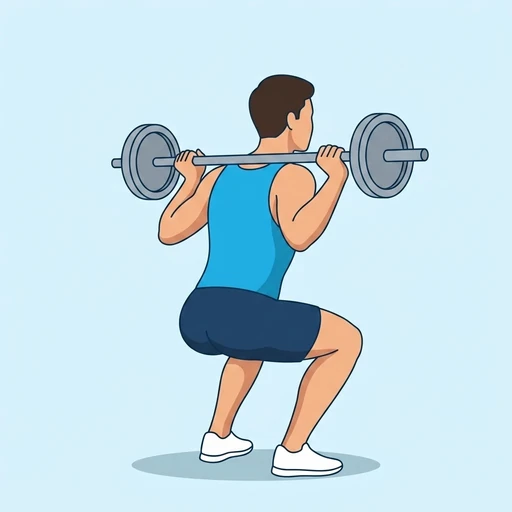
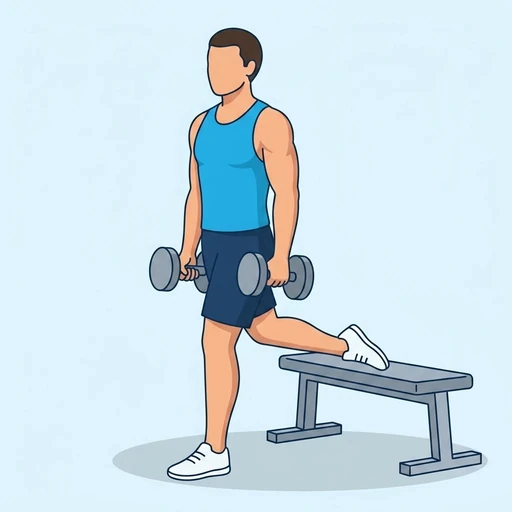
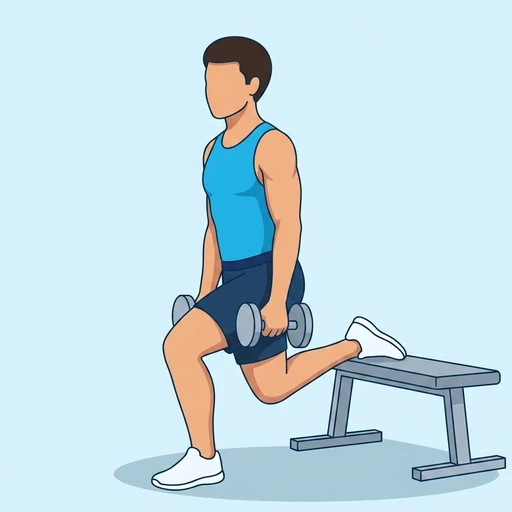
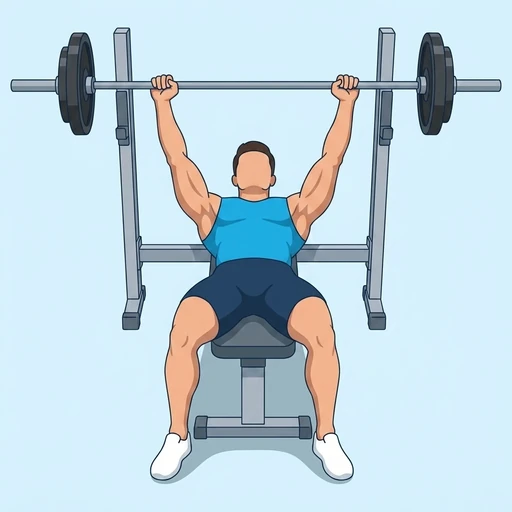
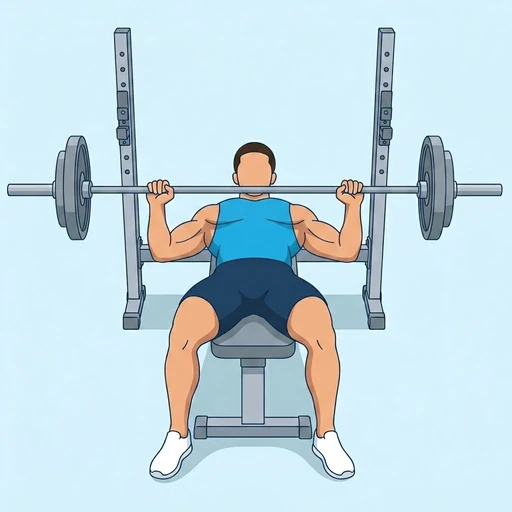



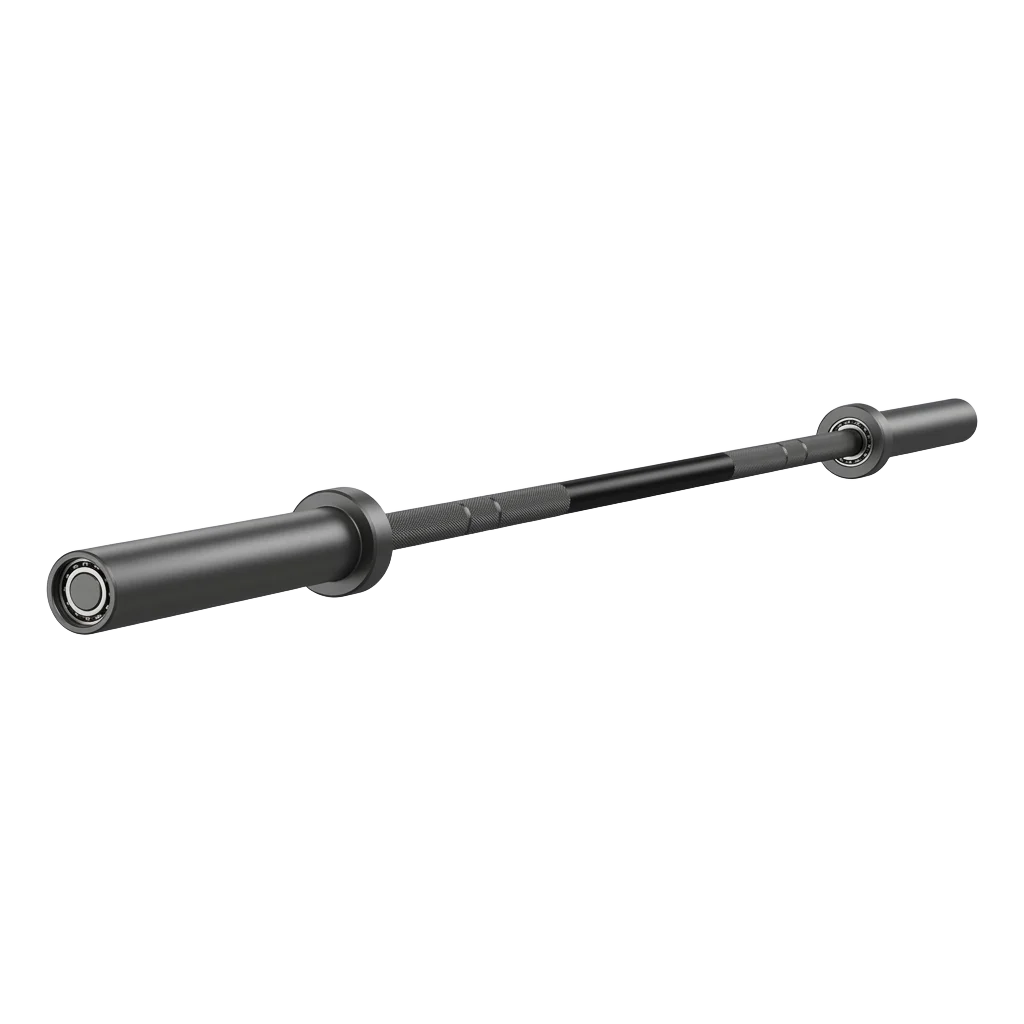 Barbell
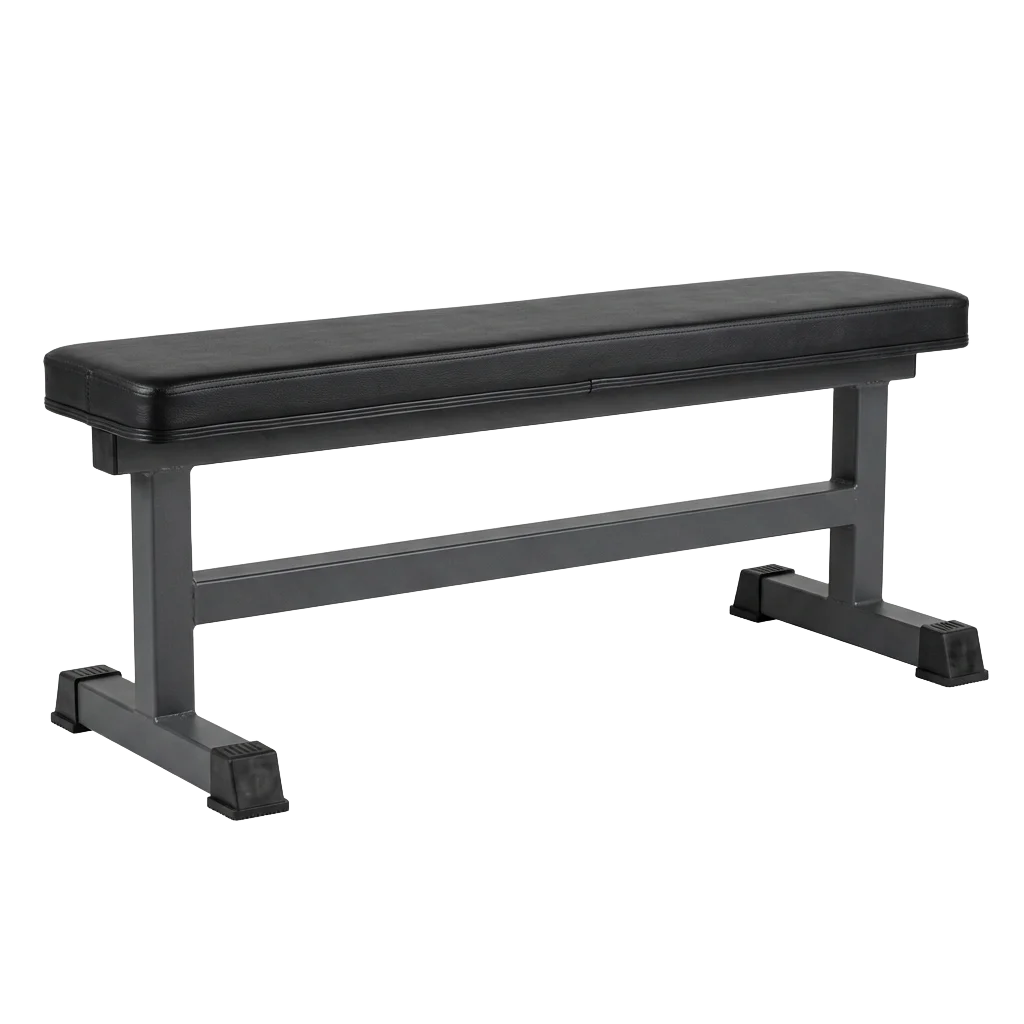 Flat Bench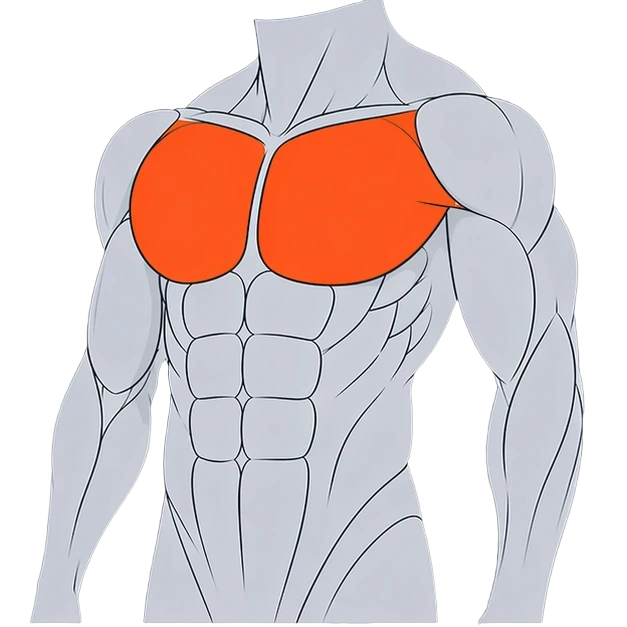
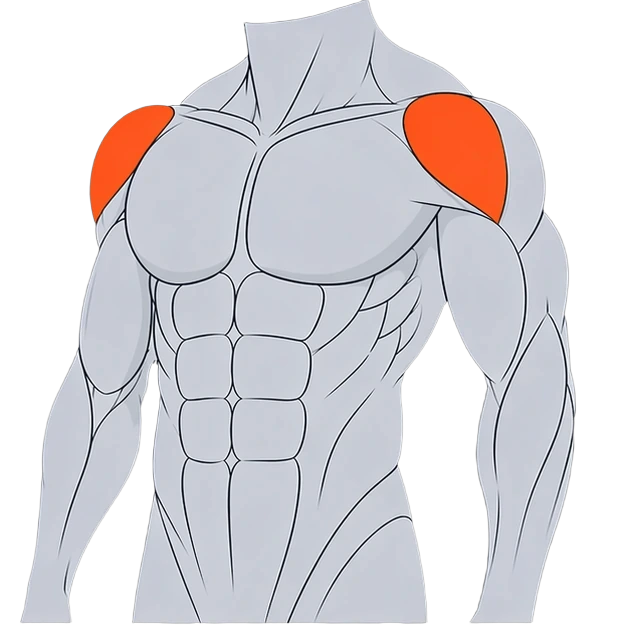
09Start
7 daysfree.
Write your next workout as a note and run it. Try everything free for 7 days, then cancel anytime in your iPhone's Settings.